
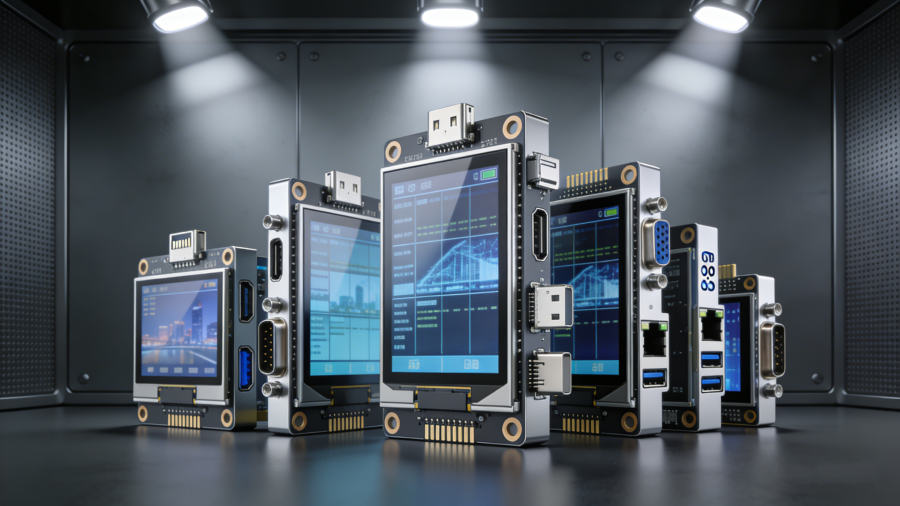
Display interfaces are often overlooked compared to resolution and brightness, but they play an equally critical role in hardware design. They control how your display communicates, how efficiently data transfers, and how easily it connects to your main system. The right interface speeds up integration and boosts performance; the wrong one creates bottlenecks and delays development.
For engineers building embedded systems, industrial controls, and consumer electronics, understanding display interfaces is essential. This guide breaks down everything you need to know to choose the best interface for 0.96–10.4 inch TFT LCD modules.
What Is a Display Interface?
A display interface is the communication link that transfers image, color, and control data between your main processor/controller and the TFT LCD module. It defines signal format, timing rules, and hardware requirements.
For 0.96–10.4 inch TFT displays, the interface directly affects:
- Data transmission speed and accuracy
- Number of physical pins required
- Driver circuit complexity
- PCB space usage
- Overall power consumption
How Display Interfaces Impact Performance, Integration & Cost
Your choice of TFT LCD interface influences three core areas of your project:
1. Performance
High-speed interfaces like MIPI DSI and LVDS support smooth video and high-resolution graphics. Slower options like SPI and parallel MCU work well for static or low-frame-rate content.
2. Integration
Some interfaces need advanced PCB design; others are simple to wire and program. Compatibility with your host processor is also key.
3. Cost
Simple interfaces reduce component count and development time. High-speed interfaces may require extra chips or tighter layout rules.
The best choice balances speed, image quality, power, cost, and ease of use.
Common Types of TFT Display Interfaces (0.96–10.4 Inch)
Below are the most widely used interfaces for small and medium-size TFT LCDs, with clear explanations of how they work, their advantages, and ideal use cases.
1. Parallel MCU Interface
How it works
Uses an 8-bit or 16-bit parallel bus with basic control signals (Read/Write, Chip Select). All data bits transfer at the same time.
Advantages
- Easy to integrate with most microcontrollers
- No high-speed signal routing required
- Great for low‑to‑mid resolution displays
Best for
Control panels, simple handheld devices, and applications with infrequent screen updates.
2. HDMI Interface
How it works
Carries video, audio, and control signals over a single cable using differential signaling. Standardized and plug‑and‑play.
Advantages
- Supports high‑definition video and audio
- Universal connector and cables
- Works with single‑board computers, cameras, and media devices
Best for
Multimedia applications, off‑the‑shelf integration, and systems needing high‑quality display output.
3. MIPI DSI Interface
How it works
A high‑speed serial interface designed for compact devices. Uses differential lanes to send pixel data quickly with fewer pins.
Advantages
- Supports high resolutions and fast refresh rates
- Low pin count simplifies PCB design
- Lower power consumption in compact high‑data designs
Best for
Wearables, portable electronics, and high‑performance embedded systems (common in 2.4–10.4 inch TFT displays).
4. SPI Interface
How it works
Serial Peripheral Interface transfers data one bit at a time over just a few wires: clock, data, chip select, and data/command.
Advantages
- Minimal pin count
- Extremely simple hardware connections
- Ideal for low‑power and space‑constrained designs
Best for
Small displays (0.96–3.5 inch) showing static text, icons, or slow‑changing data: meters, sensors, and compact controllers.
5. RGB Interface
How it works
Sends raw red, green, and blue pixel data in parallel with a pixel clock and sync signals. Delivers full image data every cycle.
Advantages
- Fast, real‑time full‑color updates
- Strong compatibility with graphics controllers
- Reliable performance for industrial interfaces
Best for
Industrial controls, user interfaces, and equipment needing responsive, real‑time display.
6. LVDS Interface
How it works
Low‑Voltage Differential Signaling uses paired opposite‑voltage lines to reduce noise and enable long‑distance, high‑speed transmission.
Advantages
- Stable at high data rates
- Supports longer cable runs
- Low electromagnetic interference (EMI)
Best for
Industrial equipment, medical devices, automotive displays, and mid‑to‑large TFT modules (7–10.4 inch).
How to Choose the Right Interface for Your 0.96–10.4 Inch TFT Display
Use this simple framework to make the best decision:
- High resolution & smooth video: Choose MIPI DSI, LVDS, or HDMI
- Low power & small size: Choose SPI or MIPI DSI
- Simple design & low cost: Choose Parallel MCU or SPI
- Real‑time performance: Choose RGB
- Industrial & long‑distance use: Choose LVDS
Also confirm that your main processor supports the interface you select, and consider PCB space and wiring complexity.
Final Thoughts
For 0.96–10.4 inch TFT LCD modules, the display interface is not just a technical detail—it’s a foundation of performance, reliability, and development speed. Whether you need low‑power simplicity or high‑speed graphics, matching the right interface to your application will streamline design, lower costs, and improve end‑product quality.
If you need support selecting the ideal TFT display and interface combination for your project, our team specializes in customized small and medium‑size LCD solutions for industrial, consumer, and embedded applications.