
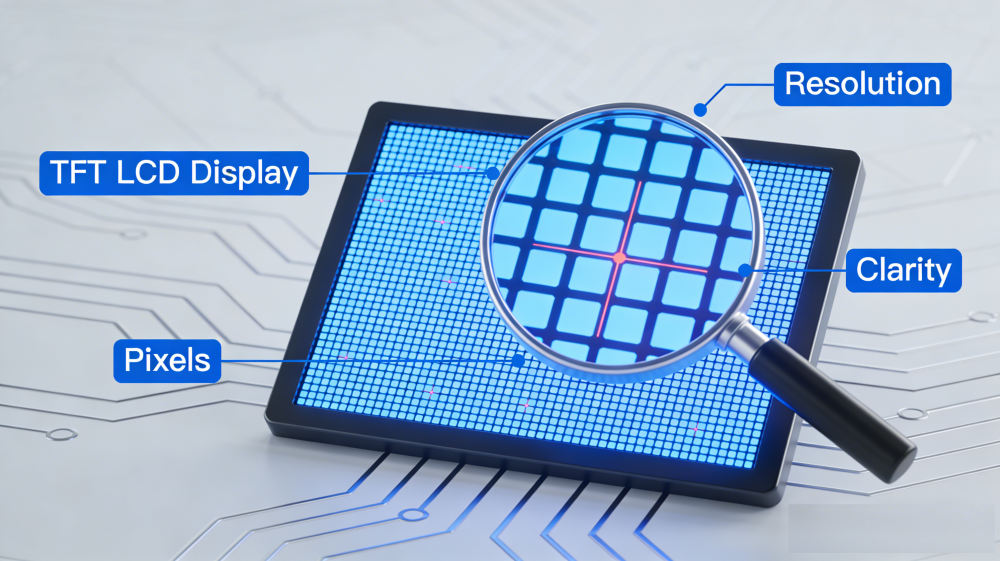
A complete guide to selecting the best display resolution for 0.96 to 10.4 inch TFT LCD panels. Learn key factors, recommended resolutions by size, industry applications, aspect ratio, and cost tips for industrial, medical, automotive, and consumer devices.
Display resolution is one of the most important decisions when designing or selecting a TFT LCD module. It directly affects image clarity, interface layout, system performance, power consumption, and overall user experience. For engineers and product designers using 0.96–10.4 inch small and medium-size TFT LCDs, choosing the proper resolution ensures your display performs reliably in real working environments.
What Is Display Resolution for TFT LCDs?
Display resolution refers to the total number of horizontal and vertical pixels on a TFT LCD screen, formatted as width × height (e.g., 800×480, 1280×800). More pixels mean sharper details, clearer text, and more interface space.
Resolution is not the same as screen size. Two displays with identical physical dimensions can have different sharpness, measured by PPI (pixels per inch). Higher PPI delivers crisper visuals on small-to-medium panels (0.96–10.4 inches). Higher resolution also increases system demands for processing, memory, and power.
Key Factors to Select TFT LCD Resolution
Follow these practical factors to match resolution to your 0.96–10.4 inch TFT LCD project.
1. Application & Content Complexity
- Simple data, icons, or status readouts: low-to-mid resolution (320×240, 480×272, 800×480)
- Multi-parameter interfaces, charts, or high-detail visuals: higher resolution (1024×600, 1280×800, 1920×1080)
- Medical & industrial: prioritize clarity for accurate data reading
2. Screen Size & Viewing Distance
- Small panels (0.96–2.4 inches): moderate resolution works for close-up use
- Mid-to-large panels (3.5–10.4 inches): higher resolution improves sharpness at arm’s length
- Distant viewing: lower resolution can be efficient without losing readability
3. UI Layout & Usability
Higher resolution supports denser, cleaner interfaces and reduces scrolling. Too low a resolution forces frequent view switching and hurts operation efficiency.
4. System Load, Power & Budget
Higher resolution increases hardware cost, processing load, and power use. For budget and low-power projects, choose the minimum resolution that meets functional needs.lution that meets functional needs.
Recommended Resolutions by TFT LCD Size
| Screen Size | Typical Resolution | Suitable Applications |
|---|---|---|
| 0.96–1.3 inch | 80×160, 128×128, 240×240 | Wearables, small indicators, smart sensors |
| 2.0–2.4 inch | 240×320, 320×240 | Handheld devices, small controllers |
| 2.8–3.5 inch | 320×480, 480×272 | Portable meters, vehicle monitors |
| 4.3–5.0 inch | 480×272, 800×480 | Industrial HMI, smart home panels |
| 7.0–8.0 inch | 800×480, 1024×600, 1280×720 | POS machines, medical devices, tablets |
| 10.1–10.4 inch | 1024×768, 1280×800, 1920×1080 | Industrial panels, marine displays, control systems |
Resolution Matching for Different Industries
Medical Devices
High resolution ensures accurate waveforms, imaging, and multi-parameter data. Small diagnostic tools use balanced density for safe, fast operation.
Industrial & Factory Equipment
Displays must stay readable in bright light and wide viewing angles. Control panels with schematics and alerts need higher resolution than basic readouts.
Automotive & In-Vehicle Use
Clusters, infotainment, and camera feeds need reliable clarity. Maps and real-time data benefit from higher pixel counts for safe driving.
Consumer Electronics
Resolution directly impacts perceived quality. Smart panels, audio gear, and handhelds use crisp resolution for precise icons and touch targets.
Marine & Outdoor Displays
Small screens show dense navigation and system data. Higher resolution maintains sharpness in changing outdoor conditions.
Aspect Ratio: The Often-Ignored Key
Aspect ratio (e.g., 4:3, 16:9) shapes your layout. A mismatch causes awkward spacing or unbalanced design.
- Standard 4:3 / 16:9 fit most embedded applications
- Wide or bar-type ratios suit instrument clusters and constrained enclosures
How Resolution Impacts Your TFT LCD Project
- Hardware: affects driver IC, memory, and interface design
- Enclosure: ties to panel dimensions and internal layout
- UI & Touch: defines target size, spacing, and user interaction
- Lifespan: future-proofs products against interface upgrades
Final Tips to Choose the Best Resolution
- Start with your application: define content and environment
- Match resolution to screen size and viewing distance
- Test UI layout early to avoid scaling issues
- Balance performance, power, and total project cost
- For 0.96–10.4 inch TFT LCDs, prioritize PPI and real-world readability
In Conclusion
Selecting the right display resolution is critical for performance, user experience, and cost efficiency in 0.96–10.4 inch TFT LCD modules. Whether for industrial control, medical devices, automotive, or consumer products, matching resolution to actual usage ensures reliable, long-lasting displays.